KEPServerEX alternative: move your tags to PLCGateway with AI
Looking for an alternative to KEPServerEX? PLCGateway Connect reads the same controllers and serves their data through its own OPC UA server. Because an MCP server is built in, an AI assistant does the migration for you: export the tags as CSV, tell the assistant the protocol, IP address and port, and check the values.
How the migration works
Export the tags
In KEPServerEX, export the tags of each device as a CSV file. Nothing has to change in the PLCs.
Give the assistant the CSV and the device
Switch on the MCP configuration token in PLCGateway, attach the CSV and write the protocol, IP address and port – plus rack / slot or unit ID where the protocol needs it.
Compare the values
The assistant shows the first values and lists the rows it could not convert. Run both servers side by side until the values match.
Move the clients
Point MES, SCADA and historians to PLCGateway's OPC UA server, map their items to the new node names, then switch the token off.
One message to the assistant
"This CSV is a tag export from KEPServerEX. The device is a Siemens S7-1500 at 192.168.1.20, rack 0, slot 1. Create it in PLCGateway, test the connection, add all tags, show me the first values and list the rows you could not convert."
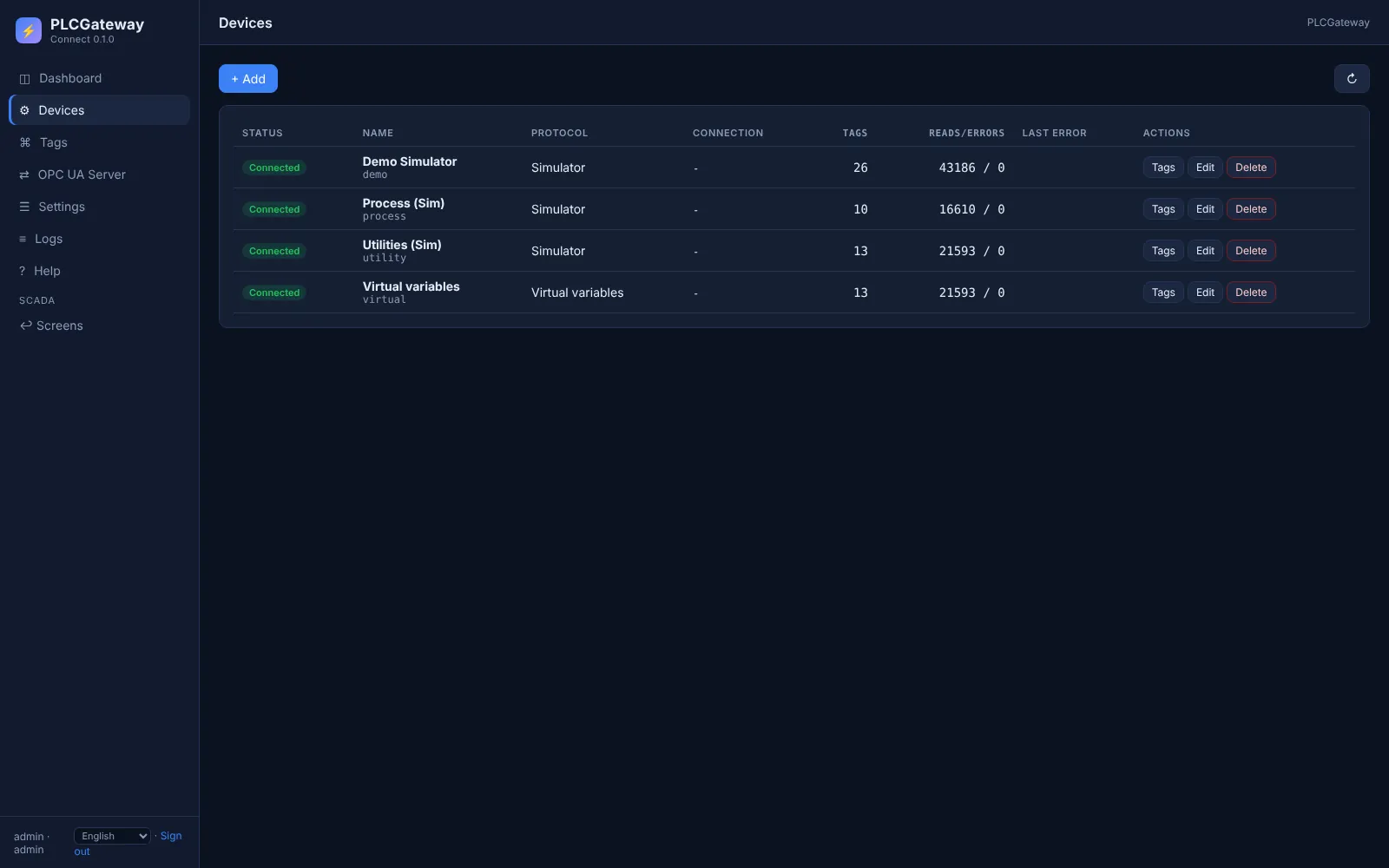
The assistant learns the address syntax of the driver, creates and tests the device, adds the tags in batches with their data types and descriptions, and reads them back.
- Works with any AI assistant that supports MCP
- Changes are made with the MCP configuration token and logged
- Strings, arrays, word order and scaling are pointed out for you to check
What you get with PLCGateway
Native drivers
Siemens S7, Modbus, Mitsubishi MC, Omron FINS, EtherNet/IP, FANUC FOCAS, OPC UA and DA, IEC 104, IEC 61850, DNP3 and BACnet in one product.
Learn more →OPC UA and more
One secure OPC UA server, plus MQTT, a Modbus TCP server and a REST API with a live stream.
Learn more →AI built in
Every edition has an MCP server: assistants set up devices and tags, build screens and answer questions from live data.
Learn more →Runs where you need it
Windows and Linux on x64 and ARM, from servers and industrial PCs to small panel PCs.
Learn more →Questions about moving from KEPServerEX
Do I have to change the PLC programs?
No. PLCGateway reads the same addresses from the controllers; only the software in between changes.
What happens to my OPC UA clients?
They connect to PLCGateway's OPC UA server instead. The node names are different, so each client's items are mapped once; running both servers side by side makes the switch safe.
Can the assistant convert every tag?
Most addresses map directly. Special cases such as strings, arrays, word order or scaling are listed so you can check them before you switch.
Which AI assistants can do the migration?
Any assistant or agent that supports the Model Context Protocol (MCP). With a self-hosted model, the tag lists never leave your network.
Is there a driver I need that is not listed?
Tell us which controller you use. Many devices are also reachable through OPC UA, OPC DA or Modbus.
Planning a move from KEPServerEX?
Tell us which controllers you run; we will show you the migration with an AI assistant in a demo.